


Microsoft Surface Pro Flex Keyboard Schwarz, für Surface Pro 11
An Lager, versandbereit
Microsoft Surface Pro Flex Keyboard Schwarz (CH-Layout) – Erlebe ultimative Flexibilität und Effizienz für Surface Pro 10/9/11. Dieses hochwertige Zubehör kombiniert nahtlose Funktionalität mit einem eleganten Design, um Ihre Produktivität auf ein neues Niveau zu heben.
295.40 CHF 318.00 CHF Inkl. MwSt.
An Lager, versandbereit
Experience unparalleled flexibility and efficiency with the Microsoft Surface Pro Flex Keyboard, meticulously designed for the latest Microsoft Surface Pro Models. This premium keyboard combines seamless functionality with an elegant design to elevate your productivity to a new level. With its specific compatibility for Surface Pro 10, Surface Pro 9, Surface Pro 11 Edition, and Surface Pro 8, this keyboard is the perfect addition for professional users and AV-Technicians who value precision and reliability.
Technische Details & Spezifikationen
- Verbindungsmöglichkeiten: A secure and quick Docking connection for seamless performance in live production environments or during the installation of integrated AV systems.
- Tastaturlayout: QWERTZ (CH), optimized for the Swiss market and users who require precise key placement.
- Kompatible Hersteller: Exclusively designed for Microsoft devices, ensuring perfect integration and compatibility.
- Bildschirmdiagonale Kompatibilität: Designed for devices with a screen diagonal of 13 inches, compatible with a wide range of Microsoft Surface Pro Models.
- Detailfarbe: Elegant black, perfectly matches your Microsoft Surface Pro for a professional look.
- Tablet Compatibility: Specifically developed for Surface Pro 10, Surface Pro 9, Surface Pro 11 Edition, and Surface Pro 8.
Advantages for AV-Technicians and Integrators
Thanks to the direct Docking connection, the Microsoft Surface Pro Flex Keyboard offers reliable and stutter-free performance, which is essential for AV-Technicians in live production environments or during the installation of integrated AV systems. The precise QWERTZ keyboard allows for quick inputs and controls, which can be crucial in time-critical situations. The robust design and detailed black color ensure that this keyboard not only functions well but also looks appealing.
Applications & Use Cases
This keyboard is ideal for professional applications where mobility, precision, and reliability are crucial. Whether during the configuration of AV systems, presentations, or mobile use – the Microsoft Surface Pro Flex Keyboard meets the highest professional demands. Its specific compatibility with select Microsoft Surface Pro Models guarantees seamless integration and usage in every professional environment.
The combination of technical superiority and thoughtful design makes the Microsoft Surface Pro Flex Keyboard an indispensable extension for any AV-Technician or Integrator seeking a reliable solution for their Microsoft Surface devices.
| Allgemeine Daten | |
|---|---|
| Produkt | Microsoft Surface Pro Flex Keyboard Schwarz für Surface Pro 11 |
| Hersteller | Microsoft |
| Technische Spezifikationen | |
| Eigenschaft | Wert |
| Anschlüsse & Schnittstellen | |
| Eigenschaft | Wert |
| Leistungsdaten | |
| Eigenschaft | Wert |
| Physikalische Eigenschaften | |
| Eigenschaft | Wert |
| Umgebungsbedingungen | |
| Eigenschaft | Wert |
| Lieferumfang | |
| Eigenschaft | Wert |
Microsoft Surface Pro Flex Keyboard Schwarz für Surface Pro 11
Installation & Setup
- Entferne den Kover aus dem Flex Keyboard und stelle es auf einer flachen, sauberen Oberfläche auf.
- Verbinde das Flex Keyboard mit Ihrem Surface Pro 11 über die Bluetooth-Schnittstelle.
- Um das Flex Keyboard zu aktivieren, drücke und halte den Knopf "Connect" auf dem Gerät oder gehe in die Einstellungen Ihres Surface Pro 11 und wähle "Bluetooth & andere Geräte" aus.
Häufige Probleme und Lösungen
- Problem: Das Flex Keyboard funktioniert nicht.
Lösung: Stelle sicher, dass das Gerät aufgeladen ist und über die richtige Bluetooth-Schnittstelle verbunden ist. - Problem: Die Tasten sind starr.
Lösung: Stelle sicher, dass das Flex Keyboard auf einer flachen Oberfläche liegt und die Tasten nicht unter Druck stehen.
Best Practices
- Verwende das Flex Keyboard auf einer flachen, sauberen Oberfläche und stelle sicher, dass es nicht unter Druck steht.
- Stelle sicher, dass das Gerät regelmäßig aufgeladen wird, um die Lebensdauer zu verlängern.
Kompatibilitätshinweise
Das Flex Keyboard ist nur kompatibel mit dem Surface Pro 11. Es gibt keine anderen Geräte, mit denen es verwendet werden kann.
Wartung und Service
- Stelle sicher, dass das Flex Keyboard regelmäßig aufgeladen wird.
- Verwende kein Wasser oder andere Flüssigkeiten am Gerät.
- Kontaktiere den Microsoft-Support, falls Sie Probleme mit dem Flex Keyboard haben.
Alternativen
Apple
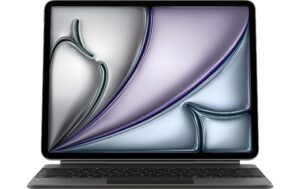
Apple Magic Keyboard Swiss fürs iPad Air 11 M4, Black
Gleiche Kategorie (Tablet Tastatur-Cover)
Sofort lieferbar
293.91 CHF322.80 CHFInkl. MwSt.In den Warenkorb- Günstiger

Microsoft
Microsoft Signature Keyboard + Pen Schwarz, für Surface Pro 8-11, English Int.
Gleiche Kategorie (Tablet Tastatur-Cover), gleiche Marke
Sofort lieferbar
259.37 CHF307.63 CHFInkl. MwSt.In den Warenkorb 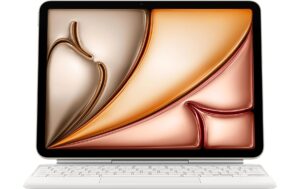
Apple
Apple Magic Keyboard Swiss White fürs iPad Air 11 2025
Gleiche Kategorie (Tablet Tastatur-Cover)
Sofort lieferbar
293.75 CHF311.33 CHFInkl. MwSt.In den Warenkorb
Samsung
Samsung Book Cover Keyboard CH Layout / Tab S9 Ultra
Gleiche Kategorie (Tablet Tastatur-Cover)
Sofort lieferbar
284.51 CHF367.61 CHFInkl. MwSt.In den Warenkorb- Günstiger
Microsoft
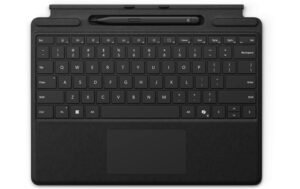
Microsoft Surface Pro Keyboard mit Slim Pen 2 (CH-Layout)
Gleiche Kategorie (Tablet Tastatur-Cover), gleiche Marke
Sofort lieferbar
251.54 CHF282.23 CHFInkl. MwSt.In den Warenkorb - Günstiger
Microsoft
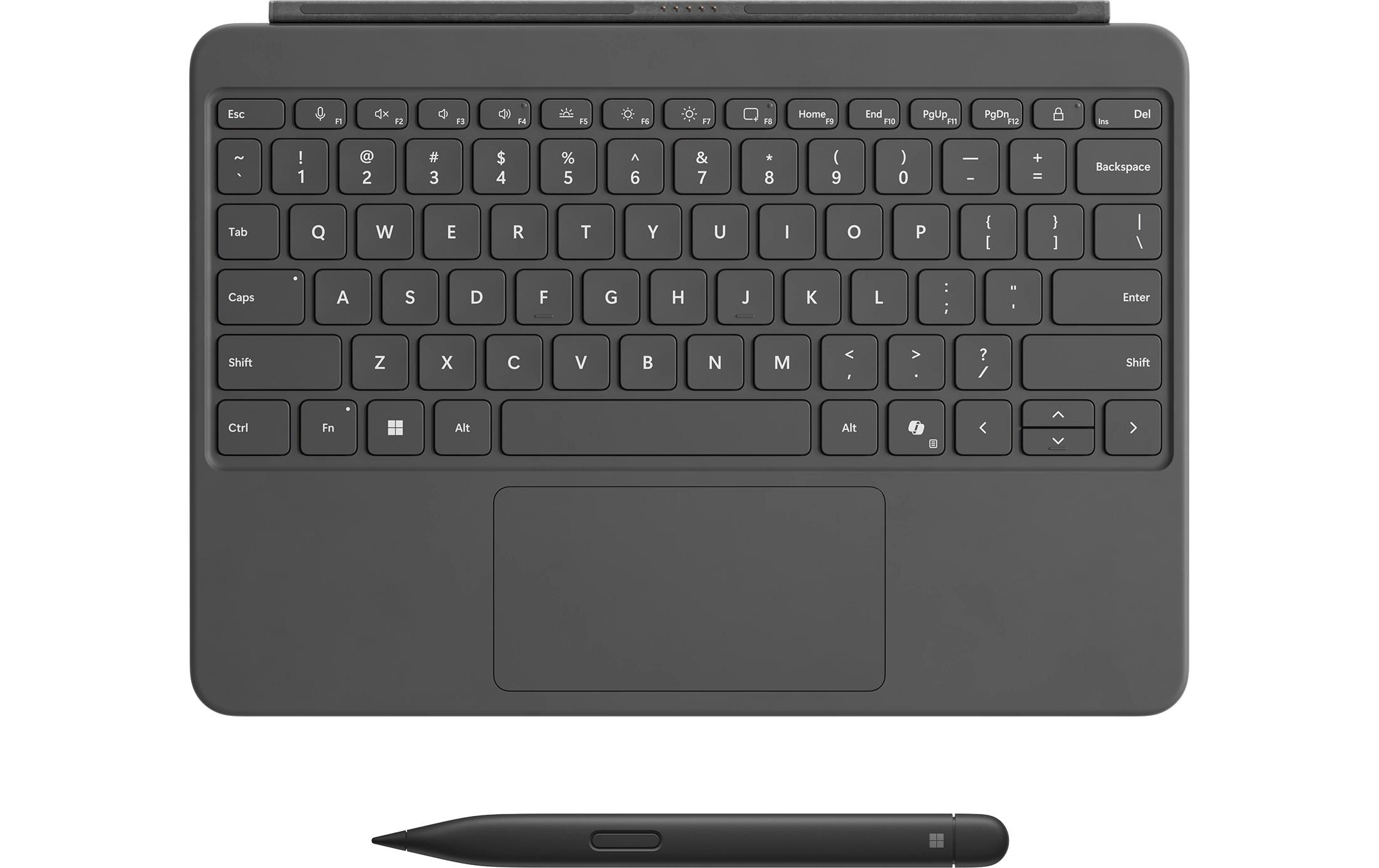
Microsoft Surface Pro 12 Keyboard + Pen Schwarz, für Surface Pro 12
Gleiche Kategorie (Tablet Tastatur-Cover), gleiche Marke
Sofort lieferbar
244.26 CHF260.80 CHFInkl. MwSt.In den Warenkorb 
Apple
Apple Magic Keyboard iPad Pro 11 M4 Weiss
Gleiche Kategorie (Tablet Tastatur-Cover)
Sofort lieferbar
326.89 CHF343.89 CHFInkl. MwSt.In den Warenkorb