
Logitech Pebble 2 M350s
Auf Nachbestellung – Lieferung seitens Lieferant ausstehend
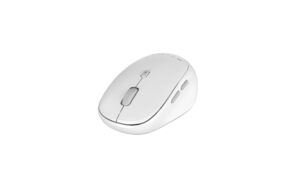
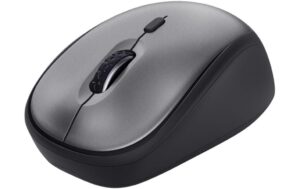
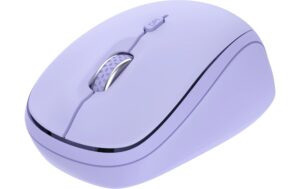
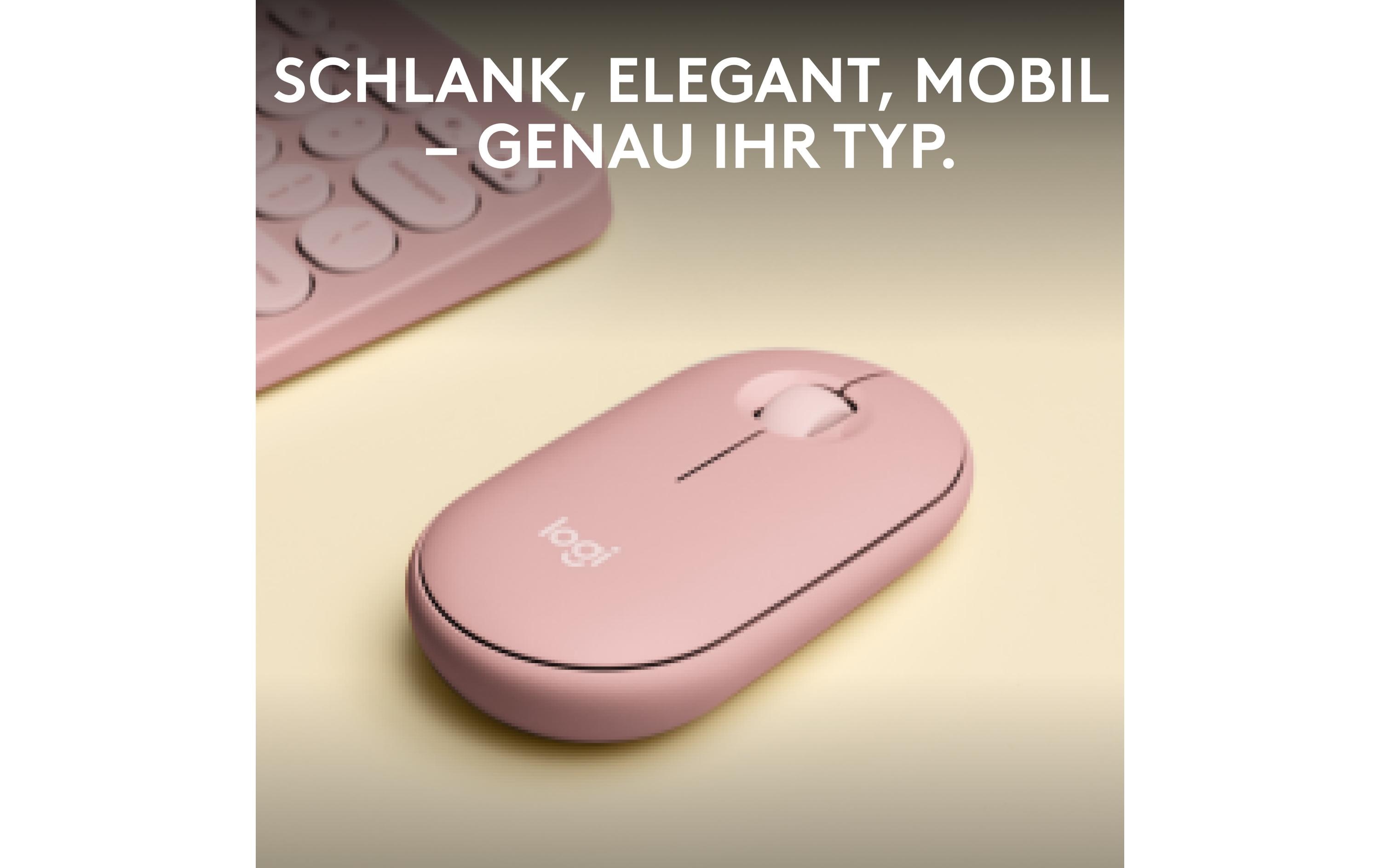
Logitech M350s Silent Bluetooth Mouse – Universal, Scrollrad, Ein-/Ausschalter, kabellos. Erweitert Flexibilität bei Computing & Software Peripherie.
17.03 CHF 21.82 CHF Inkl. MwSt.
Auf Nachbestellung – Lieferung seitens Lieferant ausstehend
📈 PreisentwicklungPreis stabil (30 Tage)Details ▾
Revolutionize Your Workspace with Unparalleled Precision and Comfort
Experience a new level of productivity with the Logitech Pebble 2 M350s USB 2.4GHz, Bluetooth Mouse. This innovative device, featuring the renowned Logitech quality, is designed to cater to your every need, delivering exceptional performance and unmatched comfort.
Key Features
- Mobile Design: The Pebble 2 M350s is a compact and portable mouse, perfect for on-the-go professionals who demand high-performance technology.
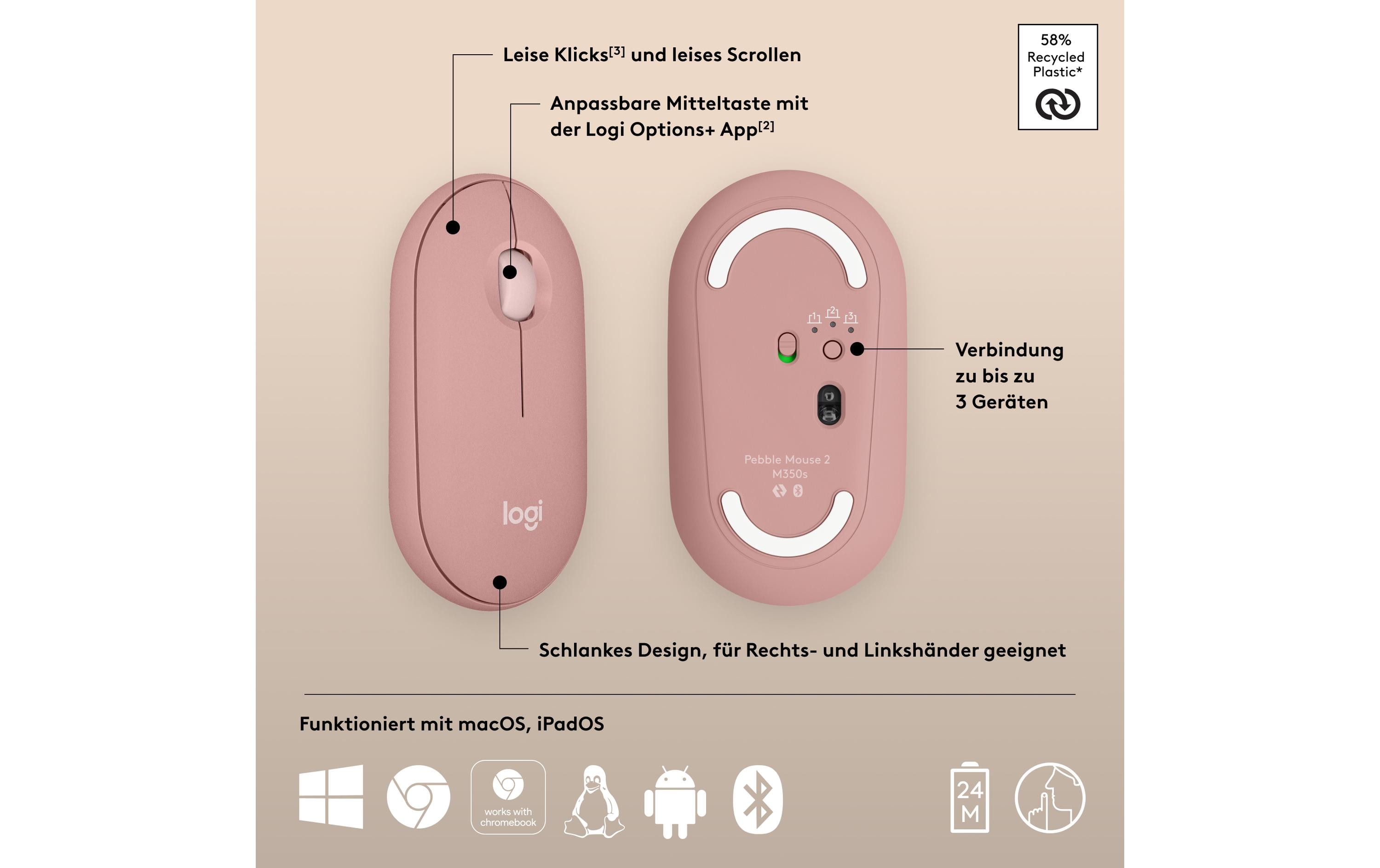
- Easy On/Off Switch: Effortlessly control your device’s power consumption with the convenient one-touch on/off switch.
- Scroll Rad: Navigate through lengthy documents or web pages with ease thanks to the smooth and responsive scroll wheel.
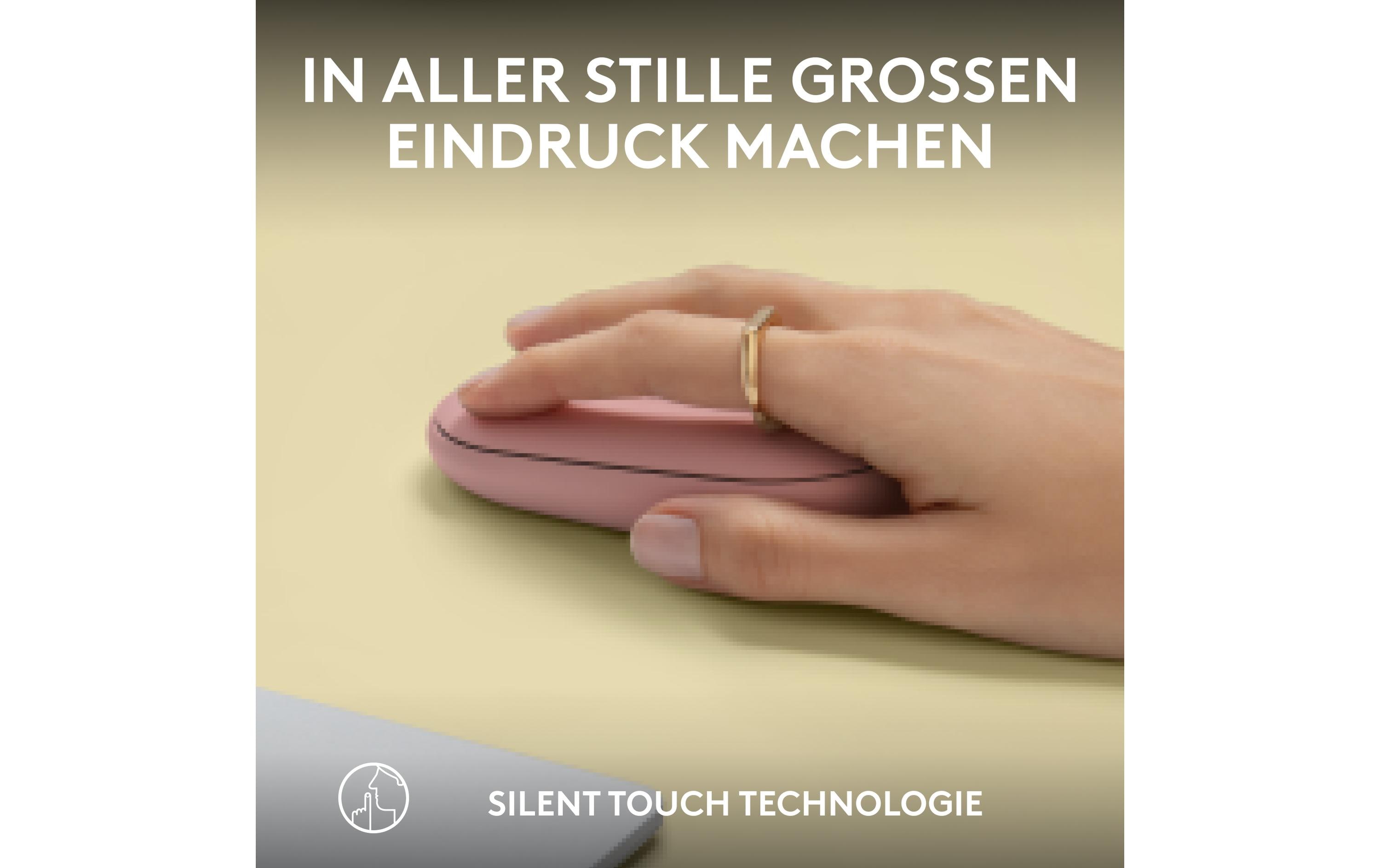
- Silent Tactile Keys: Experience quieter clicks without sacrificing feedback, ensuring a more peaceful work environment for you and your colleagues.
Universal Compatibility and Seamless Integration
The Pebble 2 M350s is designed to work seamlessly with various operating systems, including Windows, macOS, Chrome OS, and Linux. With its plug-and-play functionality, you can get started immediately without the hassle of additional setup or configuration.
Ideal for AV Professionals and Integrators
This versatile mouse offers numerous benefits for AV technicians and integrators. Its compact design makes it easy to install in tight spaces, while its reliable connectivity ensures a stable connection during presentations or demos.
Color Options and Customization
Choose from three stylish color options – Rosa, Weiss – to complement your workspace and personal style. With the Pebble 2 M350s, you can express yourself while staying focused on your work.
Invest in Quality and Precision
The Logitech Pebble 2 M350s USB 2.4GHz, Bluetooth Mouse is the perfect choice for professionals seeking a reliable, high-performance device that delivers unparalleled precision and comfort. Upgrade your workspace today with this exceptional piece of AV technology.
Product Specifications
- Manufacturer: Logitech
- Model Number: 910-007014
- Category: Computing & Software, Peripherie
- Connection Type: Kabellos, Bluetooth
- Color Options: Rosa, Weiss
| Allgemeine Daten | |
|---|---|
| Produkt | Logitech Pebble M350s |
| Hersteller | Logitech |
| Technische Spezifikationen | |
| Output Format | USB 2.4GHz, Bluetooth |
| Anschlüsse & Schnittstellen | |
| Anschluss 1 | USB |
| Leistungsdaten | |
| Batterieleistung | - |
| Physikalische Eigenschaften | |
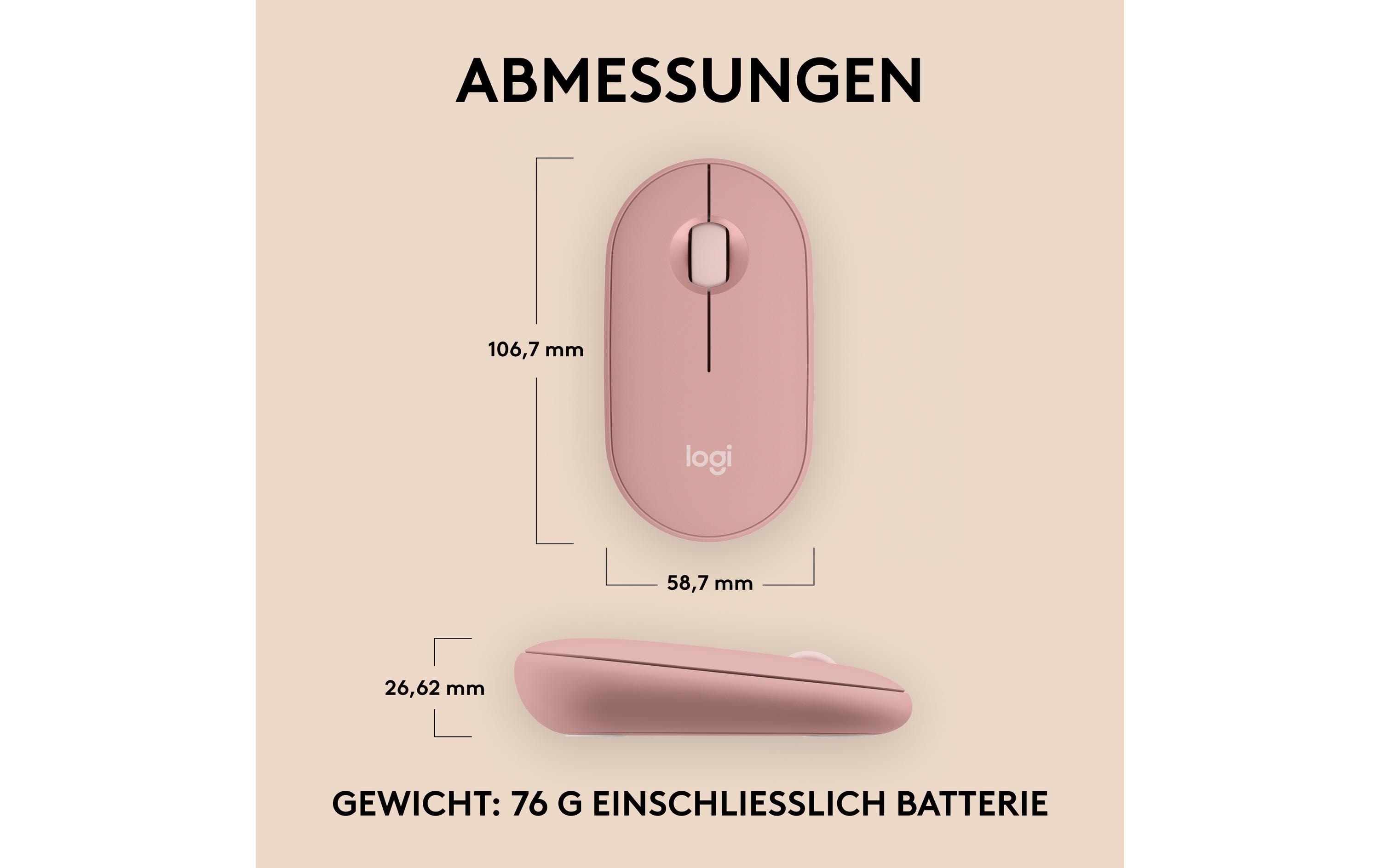
| Gewicht | - |
| Umgebungsbedingungen | |
| Temperaturbereich | - |
| Lieferumfang | |
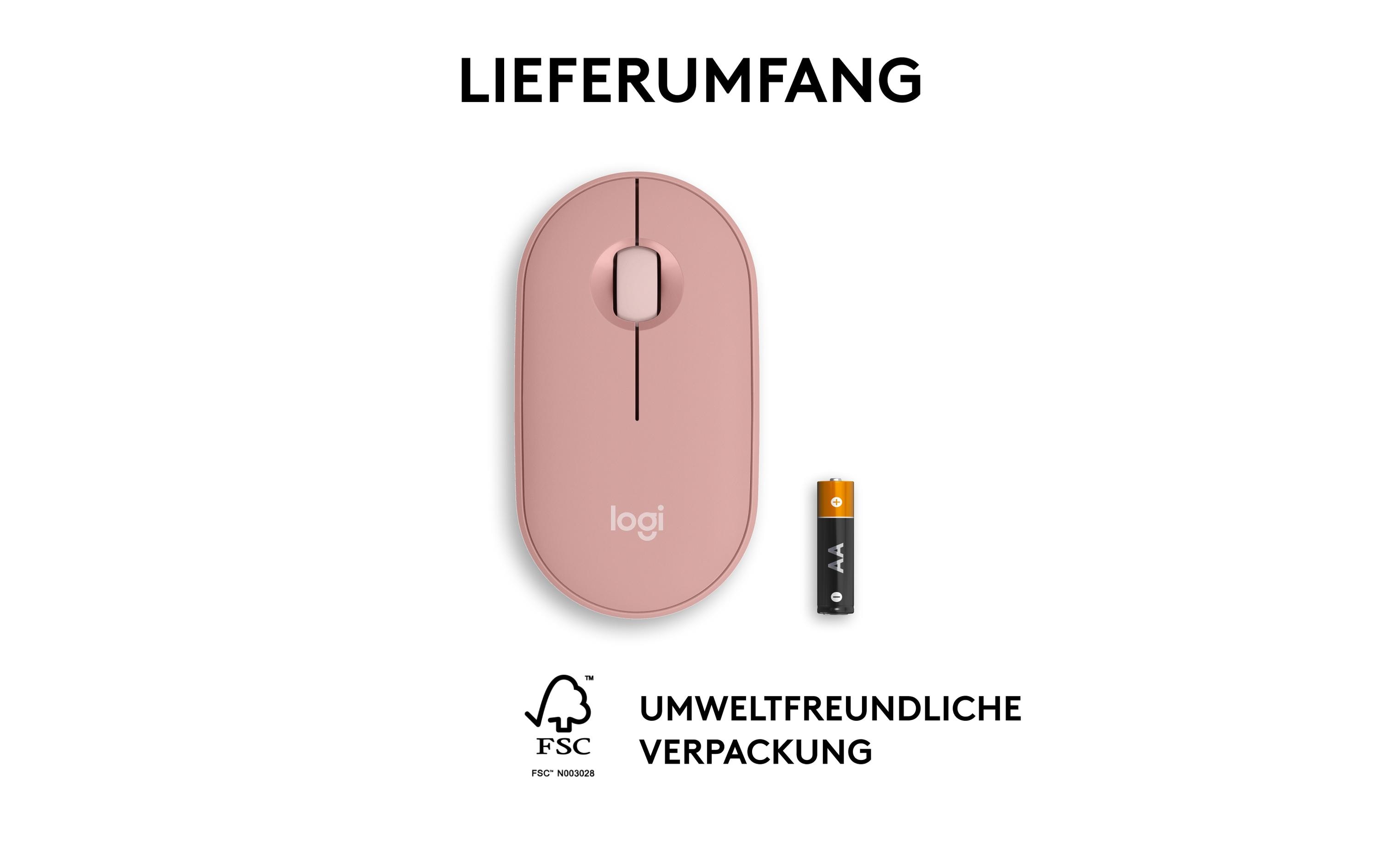
| Inclusives in der Lieferung | Logitech Pebble M350s, Anschlusskabel |
Tipps und Hinweise für AV-Techniker: Logitech, Pebble 2 M350s USB 2.4GHz, Bluetooth
Installation & Setup
- Folge den Anleitungen auf der Logitech-Webseite zum Installieren und Einrichten des Geräts.
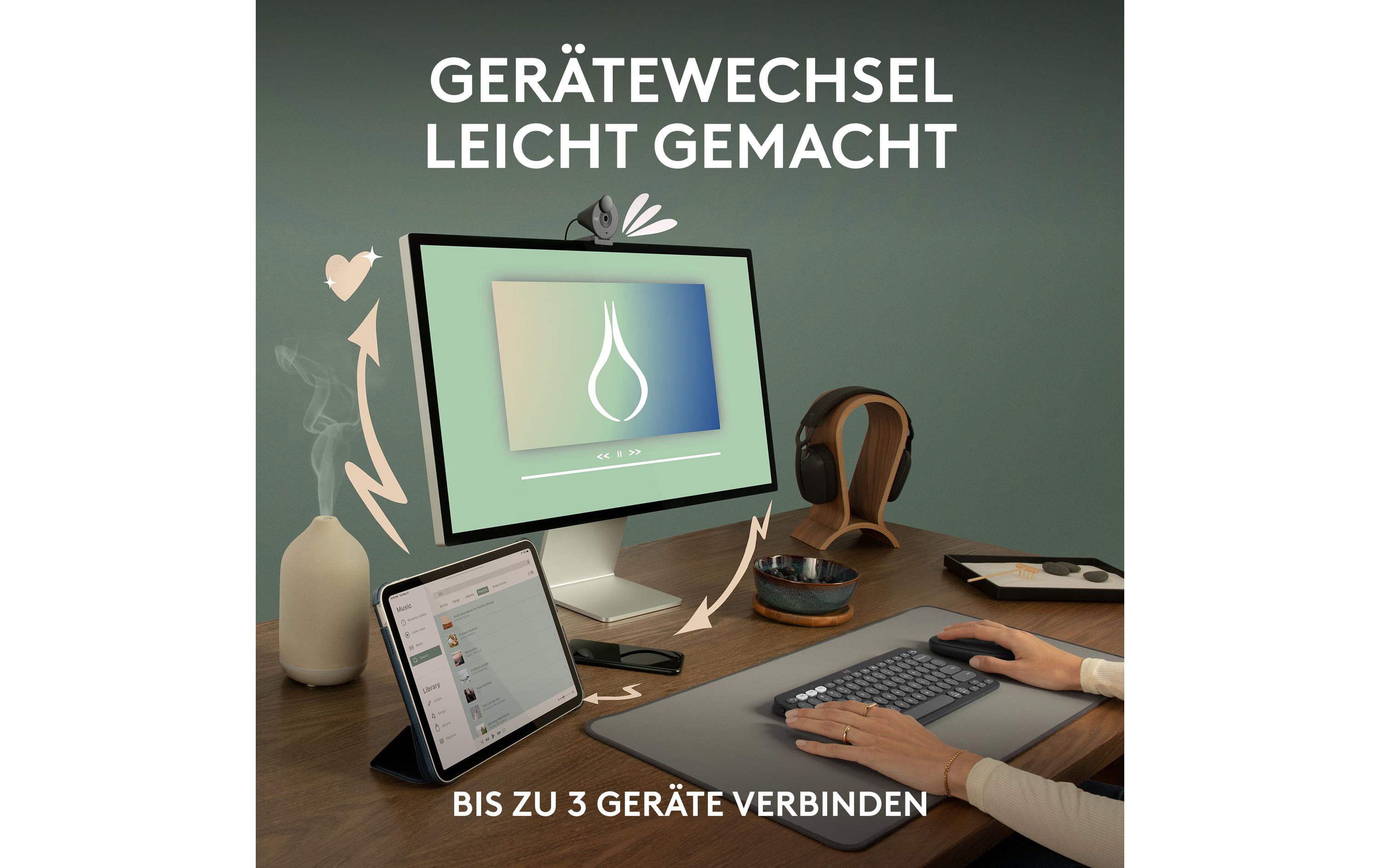
- Stellen Sie sicher, dass das Gerät mit dem Computer über USB oder Bluetooth verbunden ist.
Häufige Probleme und Lösungen
- Problem: Das Gerät funktioniert nicht oder ist verbindungslos.
Lösung: Überprüfe die Verbindung zwischen dem Computer und dem Gerät. Versuche, das Gerät über USB oder Bluetooth neu anzumelden. - Problem: Das Gerät hat keine Akkulaufzeit.
Lösung: Lade das Gerät für mindestens 2 Stunden über den USB-Anschluss.
Best Practices
- Stelle sicher, dass das Gerät immer auf aktuellen Treibern ist.
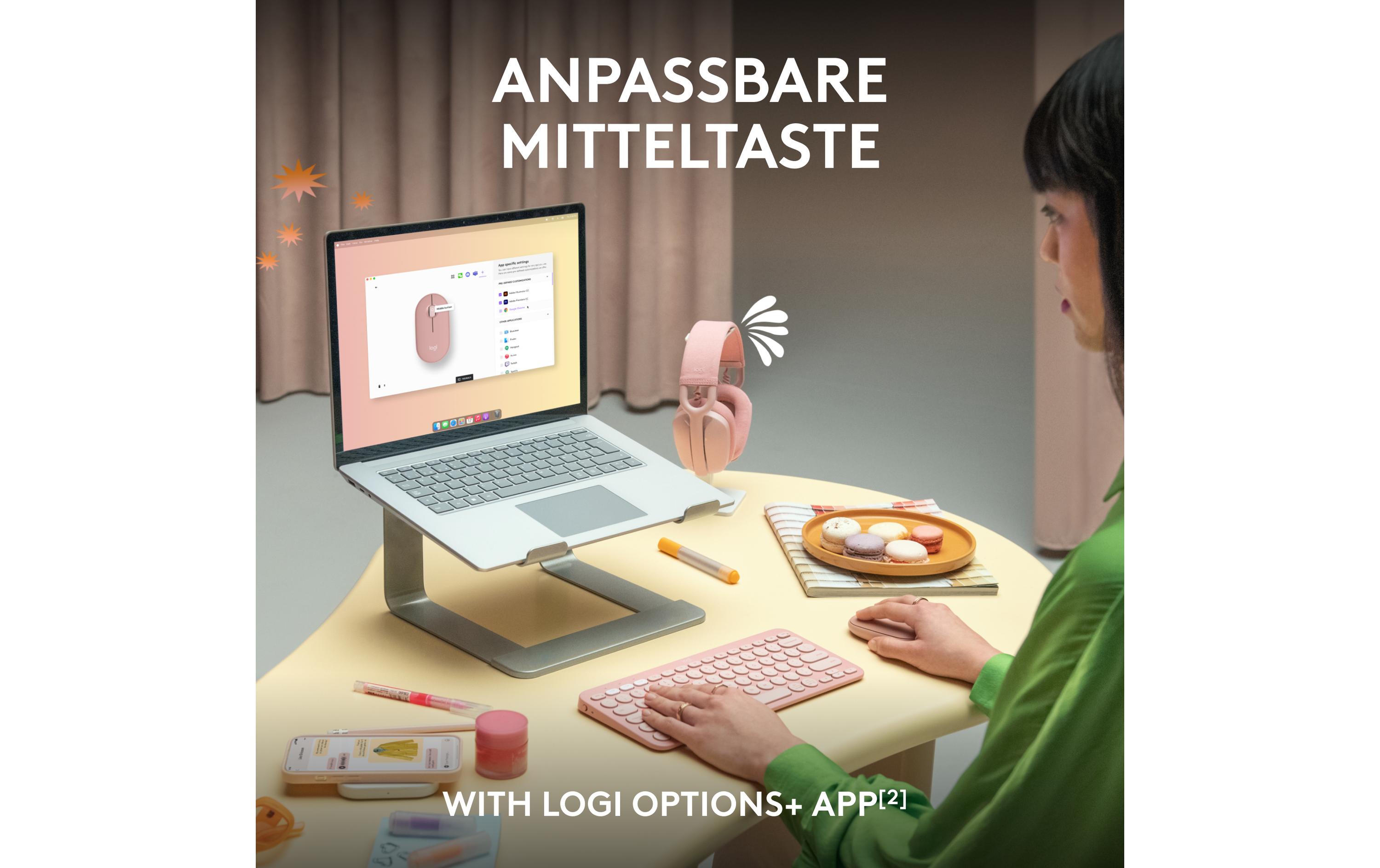
- Verwende die Logitech Gaming Software zum Anpassen der Einstellungen des Geräts.
- Lade das Gerät regelmäßig über den USB-Anschluss, um eine lange Akkulaufzeit zu gewährleisten.
Kompatibilitätshinweise
- Das Gerät ist mit Windows, macOS und Linux kompatibel.
- Stelle sicher, dass das Betriebssystem auf aktuellen Updates ist.
Wartung und Service
- Lade das Gerät regelmäßig über den USB-Anschluss, um eine lange Akkulaufzeit zu gewährleisten.
- Stelle sicher, dass das Gerät sauber gehalten wird und kein Staub oder Schmutz auf dem Gerät angesammelt ist.
- Kontaktiere Logitech-Support, falls technische Probleme auftreten.
Passendes Zubehör 4
Weiteres Zubehör Tastaturen & Mäuse 4
-
-66%Computing & Software, Mäuse & Tastaturen, Peripherie, Weiteres Zubehör Tastaturen & Mäuse
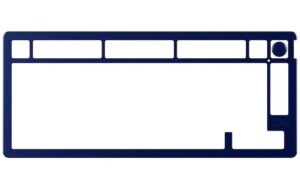
HyperX Alloy Rise Top Plate, marineblau passend zu HyperX Alloy Rise Tastatur
 Computing & Software, Mäuse & Tastaturen, Peripherie, Weiteres Zubehör Tastaturen & Mäuse
HyperX Alloy Rise Top Plate, marineblau passend zu HyperX Alloy Rise Tastatur
HyperX Alloy Rise Top Plate marineblau – passend zu HyperX Alloy Rise Tastatur
1. Ersatzdeckplatte in blauer Farbe für die HyperX Alloy Rise Tastatur
2. Idealer Ersatzteil für professionelle Nutzer, die nach einem farblichen Akzent suchenSKU: 1759942 -
-16%Computing & Software, Mäuse & Tastaturen, Peripherie, Weiteres Zubehör Tastaturen & Mäuse
HyperX Alloy Rise 75 Top Plate, marineblau passend zu HyperX Alloy Rise 75 Tastatur
Computing & Software, Mäuse & Tastaturen, Peripherie, Weiteres Zubehör Tastaturen & MäuseHyperX Alloy Rise 75 Top Plate, marineblau passend zu HyperX Alloy Rise 75 Tastatur
Magnetische Top Plate in Navy Blue für die HyperX Alloy Rise 75 Tastatur, stabil aus Aluminium gefertigt mit farblich passendem Drehknopf.
SKU: 1759940 -
Computing & Software, Mäuse & Tastaturen, Peripherie, Weiteres Zubehör Tastaturen & Mäuse
HyperX Alloy Rise 75 Top Plate, weiss passend zu HyperX Alloy Rise 75 Tastatur
Computing & Software, Mäuse & Tastaturen, Peripherie, Weiteres Zubehör Tastaturen & MäuseHyperX Alloy Rise 75 Top Plate, weiss passend zu HyperX Alloy Rise 75 Tastatur
Die HyperX Alloy Rise 75 Top Plate in Weiß passt perfekt zur Alloy Rise 75 Tastatur und lässt sich einfach einrasten. Sie ist aus stabilen Aluminium gefertigt und verleiht deiner Tastatur einen neuen Look.
SKU: 1759941