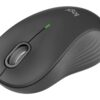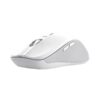
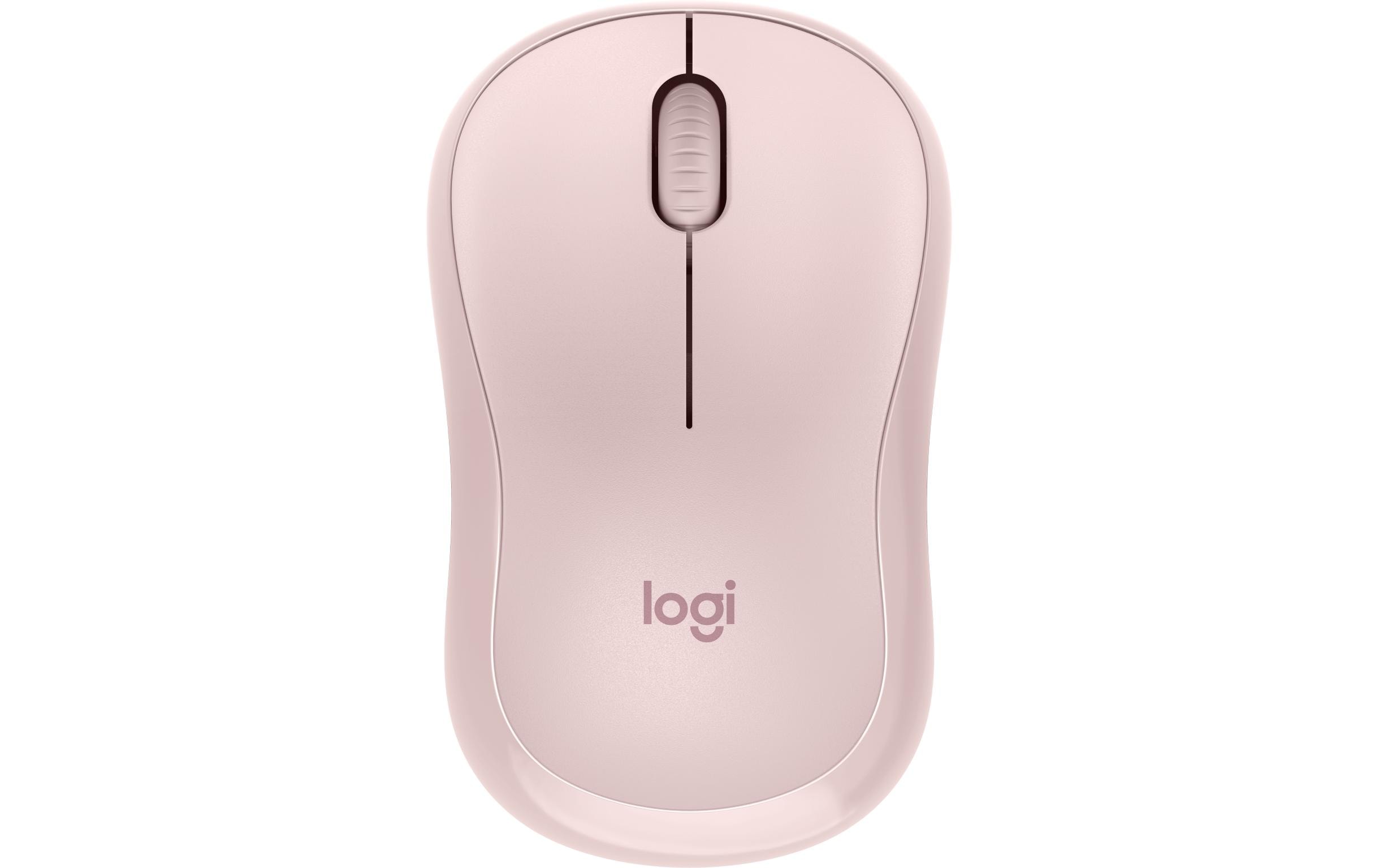
Logitech Maus M240 Silent Bluetooth
Art.-Nr. 1560026 · Herst.-Nr. 910-007121 · EAN 5099206112001
15.11 CHF 19.06 CHF Inkl. MwSt.
inkl. 8.1 % MwSt. (CHF 1.13) · Versand CHF 8.90, gratis ab CHF 500 exkl. MwSt.
Verfügbar, Lieferung in 1 bis 3 Werktagen
- Versand CHF 8.90, gratis ab CHF 500 exkl. MwSt.
- 24 Monate Garantie
- 7 Tage Rückgabe
Zahlungsarten: TwintVisaMastercardPostFinancePayPalVorauszahlung
Positioning:
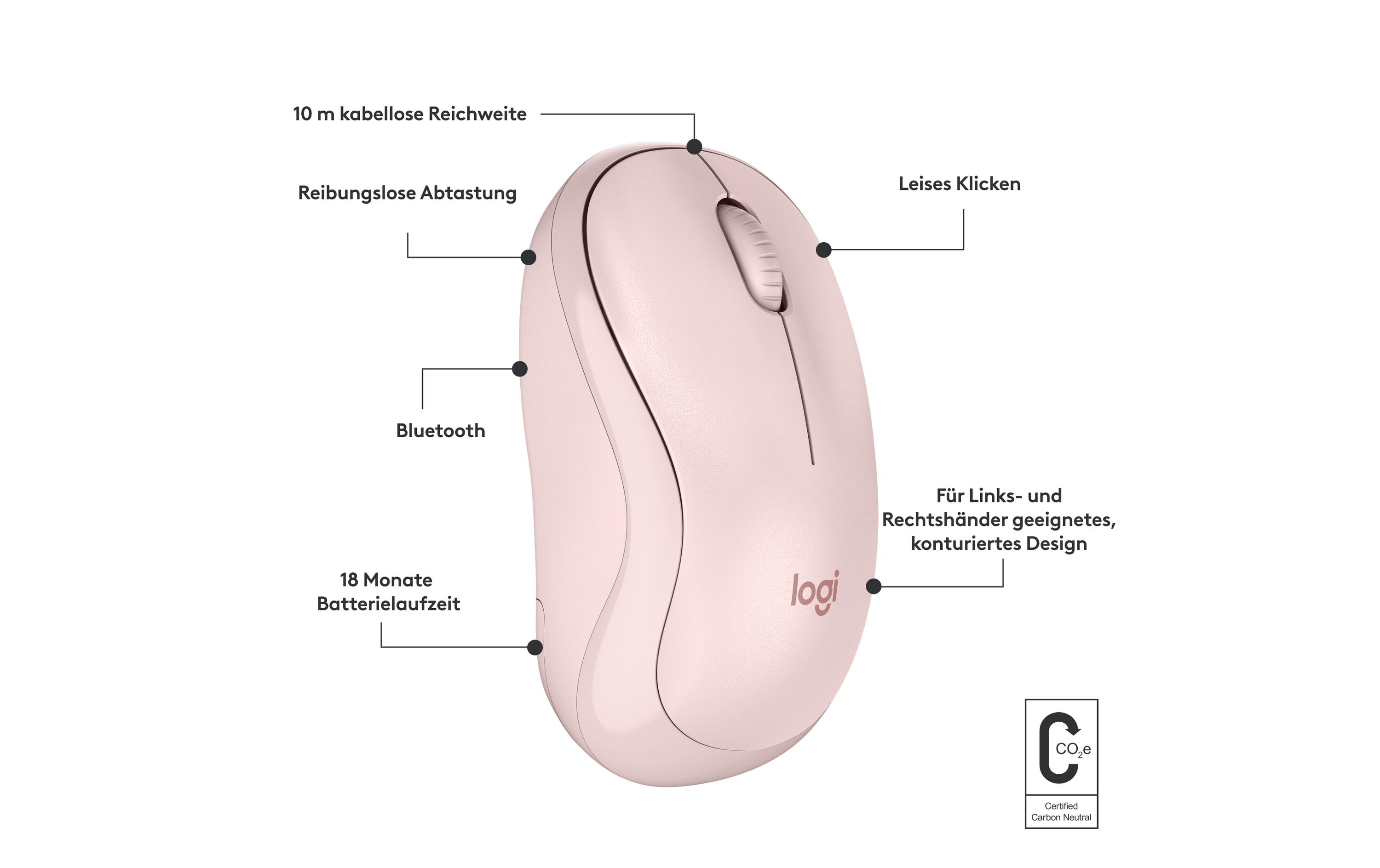
The Logitech M240 Silent Bluetooth Mouse is a mobile, universally compatible peripheral device designed to cater to the needs of modern professionals. It stands out as an innovative solution that offers silent operation and smooth scrolling, ensuring minimal distractions in your workspace.
Key Features:
- Scroll Rad: This feature allows for precise scrolling, making it easy to navigate through lengthy documents or web pages with ease.
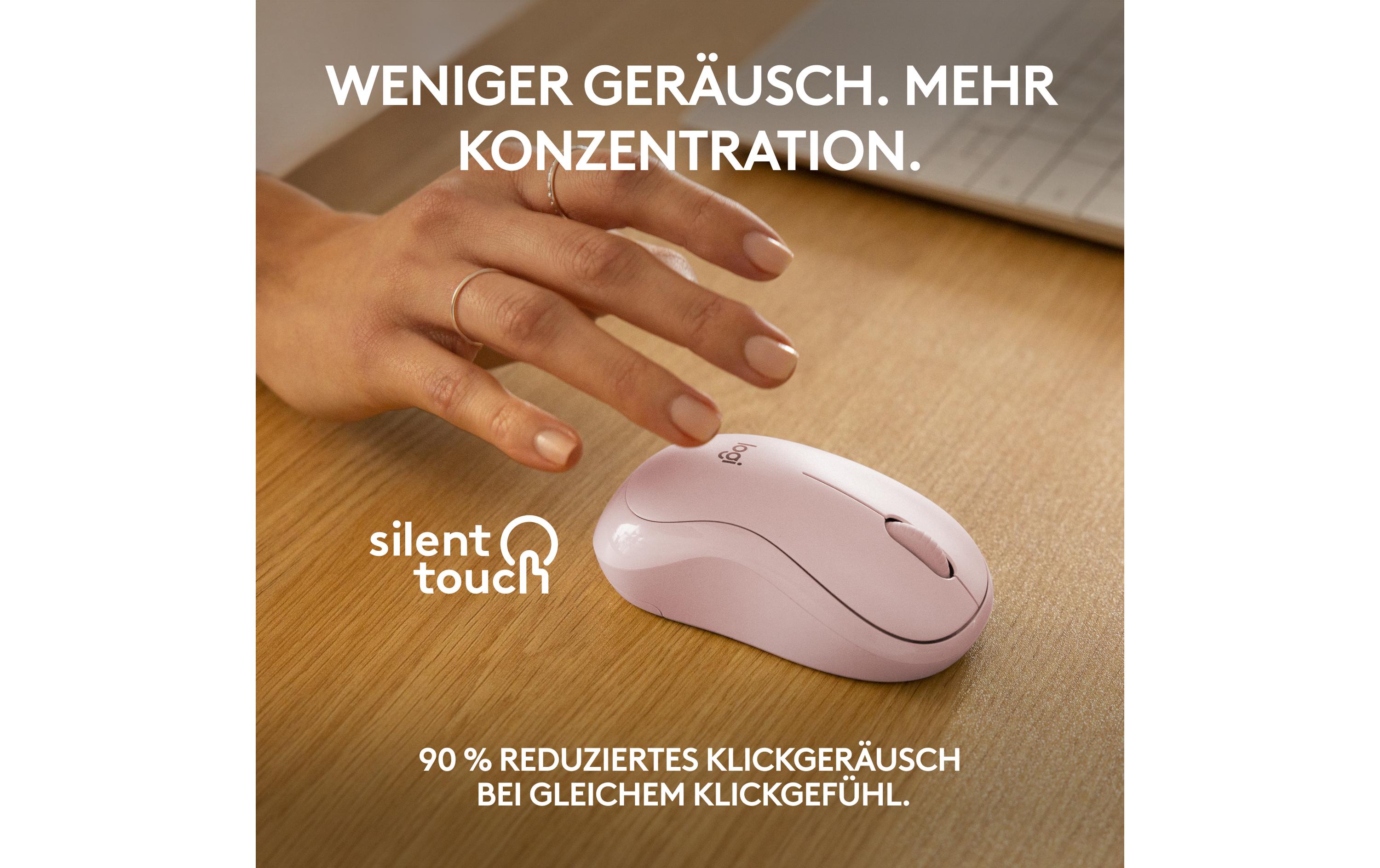
- Silent Tactile Buttons: The M240’s silent buttons provide a quiet and comfortable clicking experience, ideal for open-plan offices or home environments where noise reduction is essential.
Applications & Use Cases:
The Logitech M240 Silent Bluetooth Mouse is a versatile tool suitable for various settings, including conference rooms, broadcast studios, home offices, and event venues. Its wireless connectivity and silent operation make it an excellent choice for professionals who value productivity and comfort.
Target Groups & Their Benefits:
- AV Technicians: This device offers a reliable wireless connection, making it easier to set up and maintain in various configurations.
- Integrators: The M240’s silent operation and universal compatibility make it an ideal accessory for creating customized solutions tailored to clients’ needs.
- IT Managers: By reducing noise pollution in the workplace, this mouse contributes to a more productive and comfortable work environment.
- Event Organizers: The M240 is perfect for creating quieter and smoother event presentations, ensuring that speakers and performers can be heard clearly.
Technical Highlights:
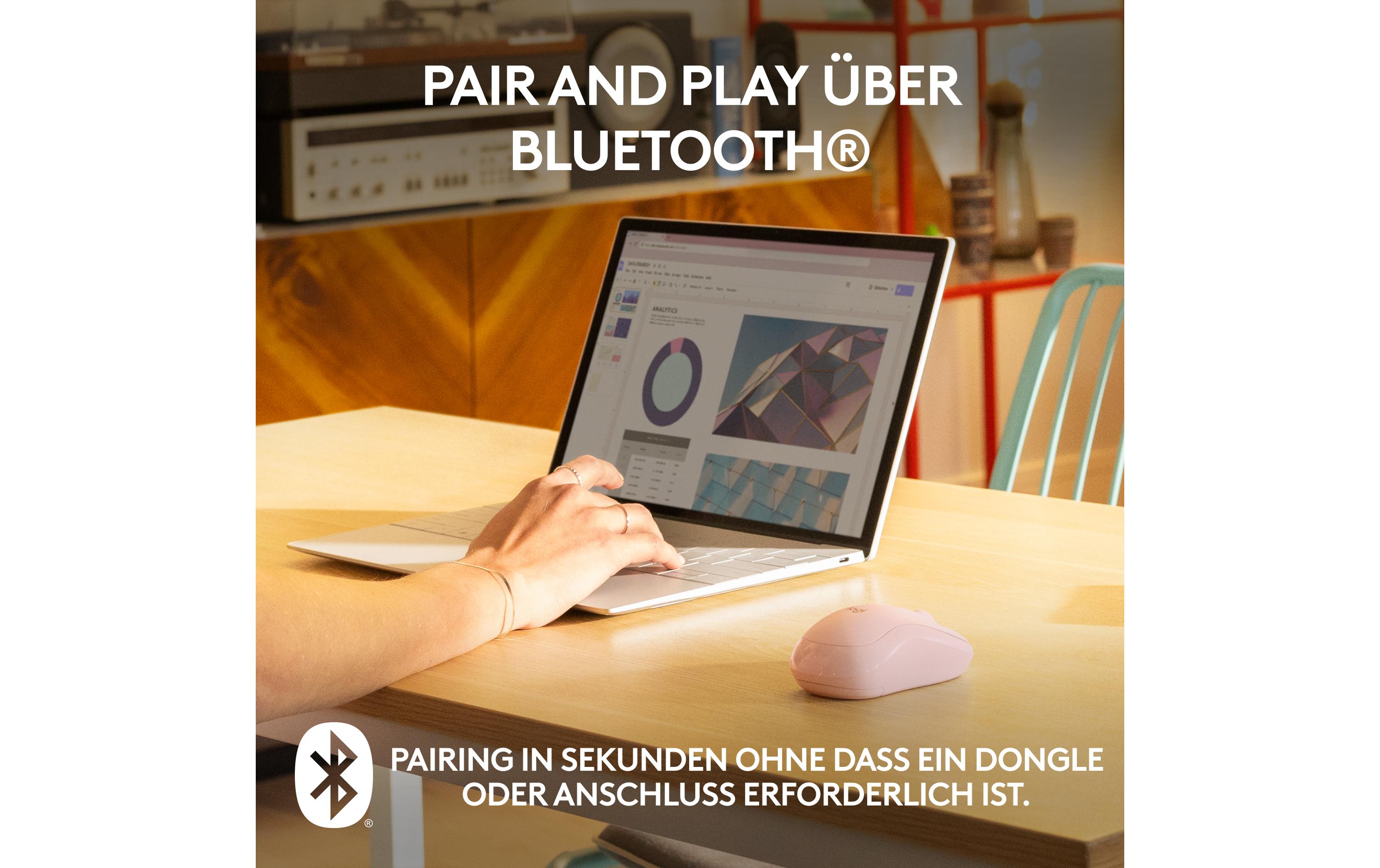
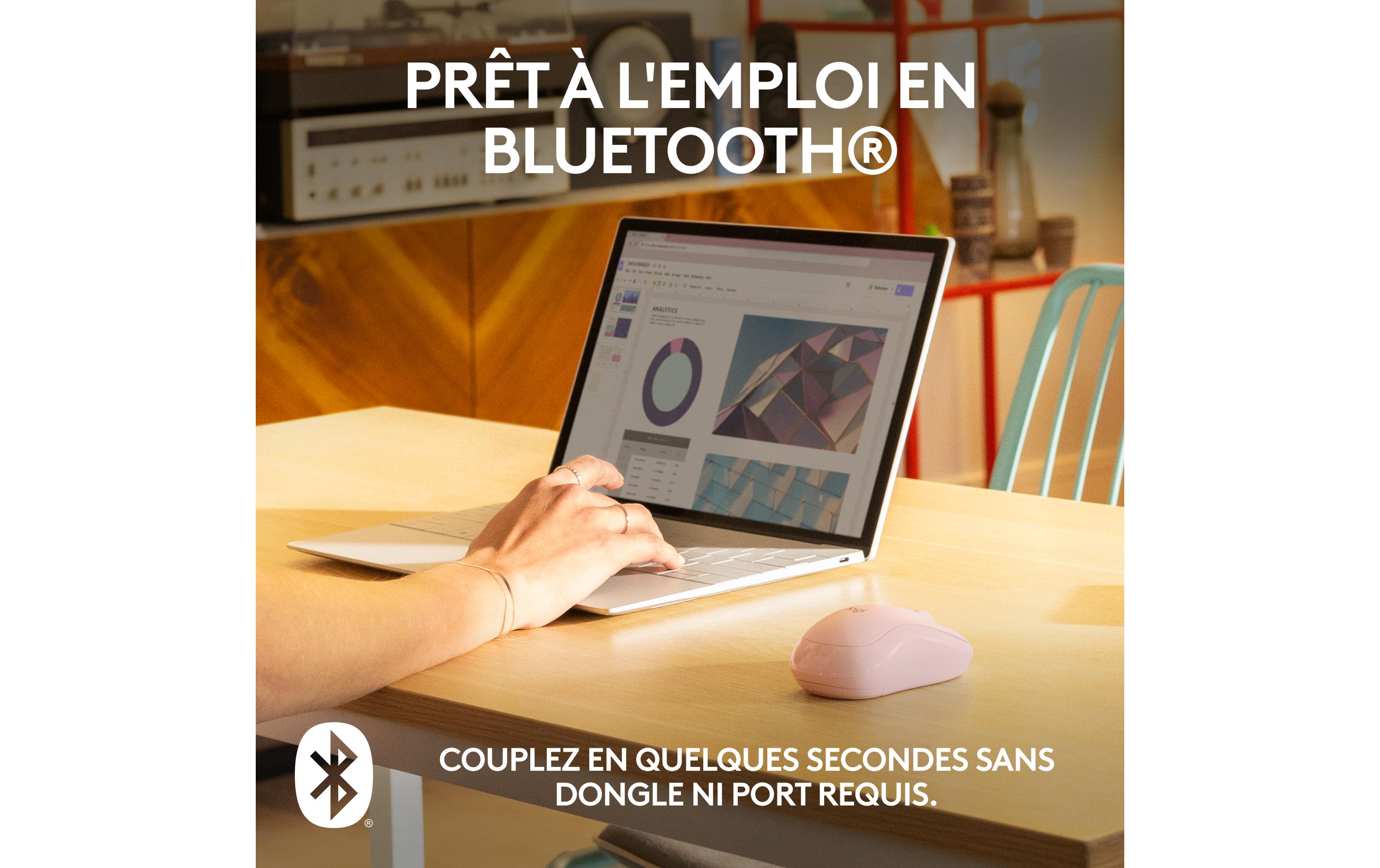
Bluetooth Connectivity: The M240 offers wireless freedom, eliminating the need for cables and providing a more flexible workspace. Additionally, its Bluetooth connectivity ensures a reliable and stable connection.
| Allgemeine Daten | |
|---|---|
| Produkt | Logitech Maus M240 Silent Bluetooth |
| Hersteller | Logitech |
| Technische Spezifikationen | |
| Maus-Typ | Mobile |
| Features | Scrollrad, Silent-Tasten |
| Bedienungsseite | Universal |
| Detailfarbe | Pink, Rosa |
| Verbindungsart | Kabellos |
| Schnittstelle | Bluetooth |
| Hersteller | Logitech |
|---|---|
| Herstellernummer | 910-007121 |
| EAN | 5099206112001 |
| Gewicht | 0.13 kg |
| Garantie | 24 Monate |
Wann ist die Ware bei mir?
Kann ich auf Rechnung bestellen?
Welche Garantie gilt?
Sind die Preise inklusive MwSt.?
Tipps und Hinweise für AV-Techniker für das Logitech Maus M240 Silent Bluetooth
Zielgruppen und Einsatzgebiete
- Für Berufsgruppen, die oft mit Computern arbeiten und eine leise und komfortable Maus benötigen, wie z.B. AV-Techniker, Entwickler oder Büroangestellte.
- Ideal für mobile Arbeit an verschiedenen Geräten, da es kabellos über Bluetooth verfügt.
Installation und Setup
- Entpacken des Produkts und Entfernen der Plastikverkleidung.
- Sich im Betriebssystem für die Bluetooth-Pairing-Funktion bedienen und den Maus mit dem Gerät verbinden.
- Die Maus auf dem Arbeitsbereich platzieren und die Scrollradfunktion anpassen, falls nötig.
Best Practices und Anwendungstipps
- Regelmäßige Reinigung der Maus mit einer feuchten Mikrofibertüche.
- Aktualisierung des Betriebssystems und des Gerätes, um sicherzustellen, dass die Maus optimale Funktionsleistung bietet.
Kompatibilität und Integration
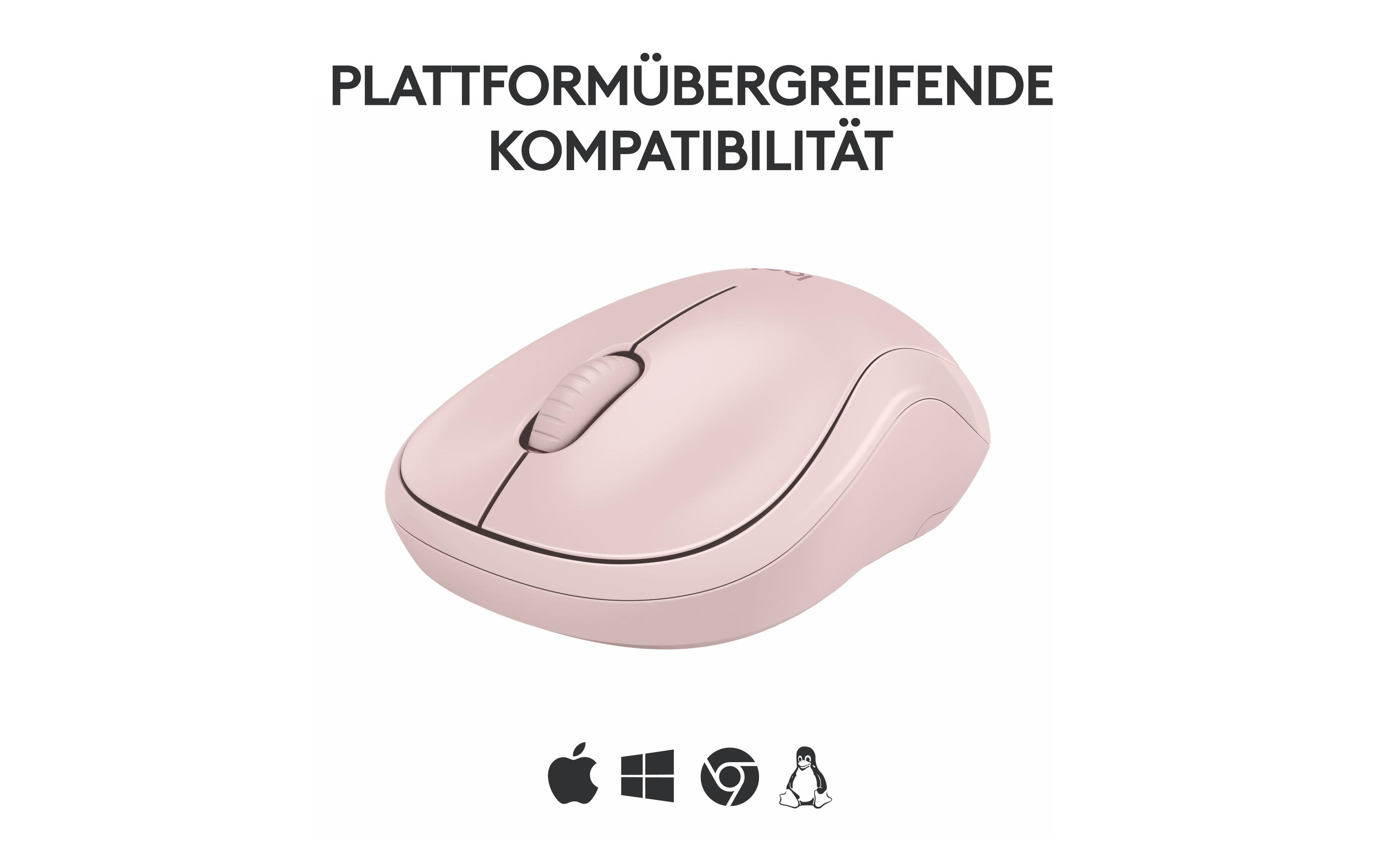
- Kompatibel mit allen modernen Geräten, die Bluetooth unterstützen.
- Unterstützt die Standards USB und Bluetooth 4.0 oder höher.
Zubehör-Empfehlungen
- Logitech Powerplay (für stromlose Betriebsunterstützung)
- Logitech MX Master 3 (für eine weitere leise und komfortable Maus mit vielen Funktionen)
Häufige Probleme und Lösungen
- Fehlende Verbindung: Stellen sicher, dass das Gerät den Bluetooth-Modus aktiviert hat und die Maus korrekt gepaart ist.
- Unterschiedliche Funktionen auf der Maus: Die Funktion kann angepasst werden, indem man die Logitech Options Software verwendet.
- Falsch bestellt?Melden Sie sich innert 7 Tagen nach Erhalt, und wir tauschen den Artikel um oder schreiben Ihnen den Betrag gut. Voraussetzung: unbenutzt und vollständig originalverpackt. Die Rücksendung geht zu Ihren Kosten. Rückgabe-Richtlinien