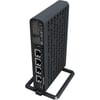


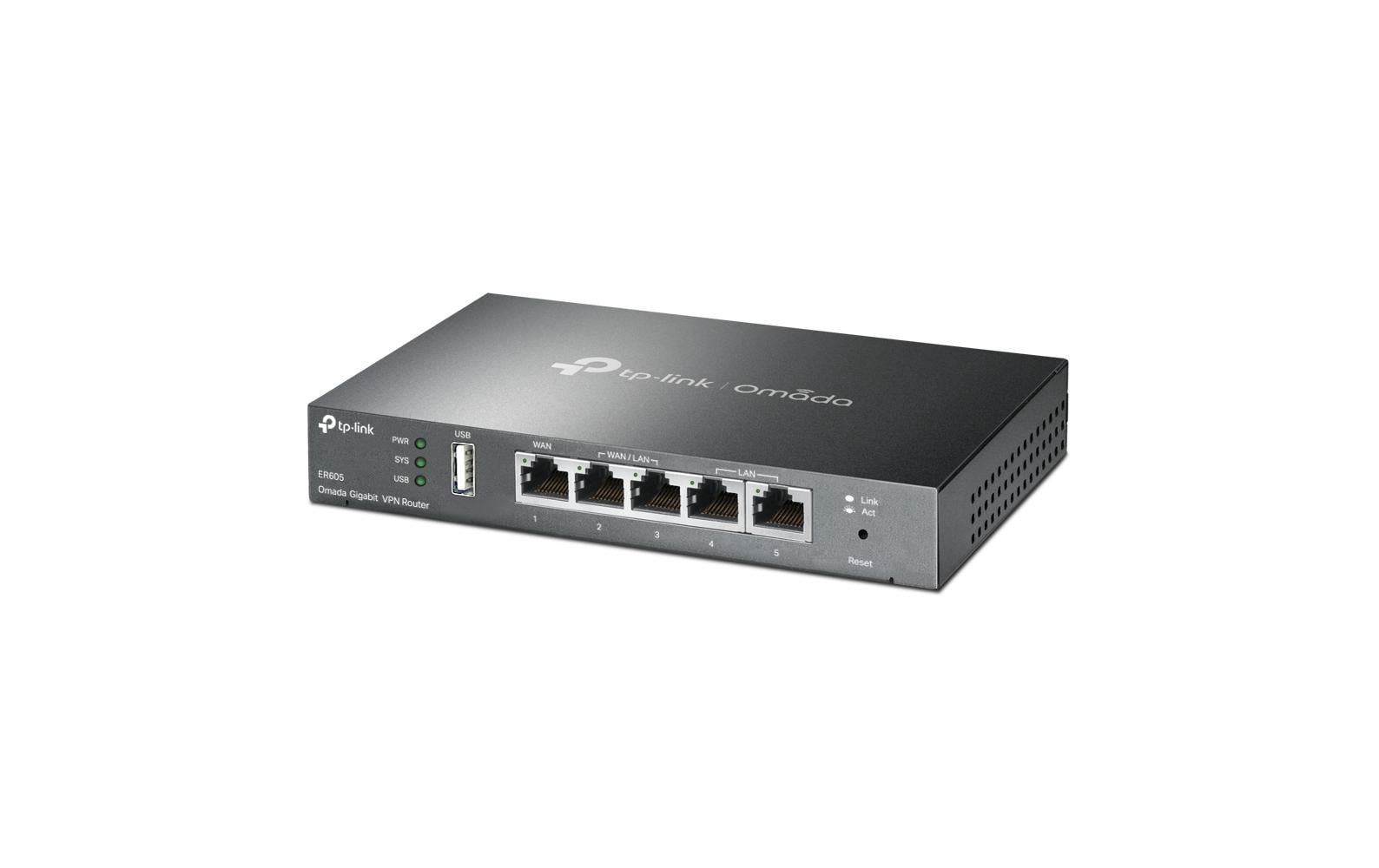
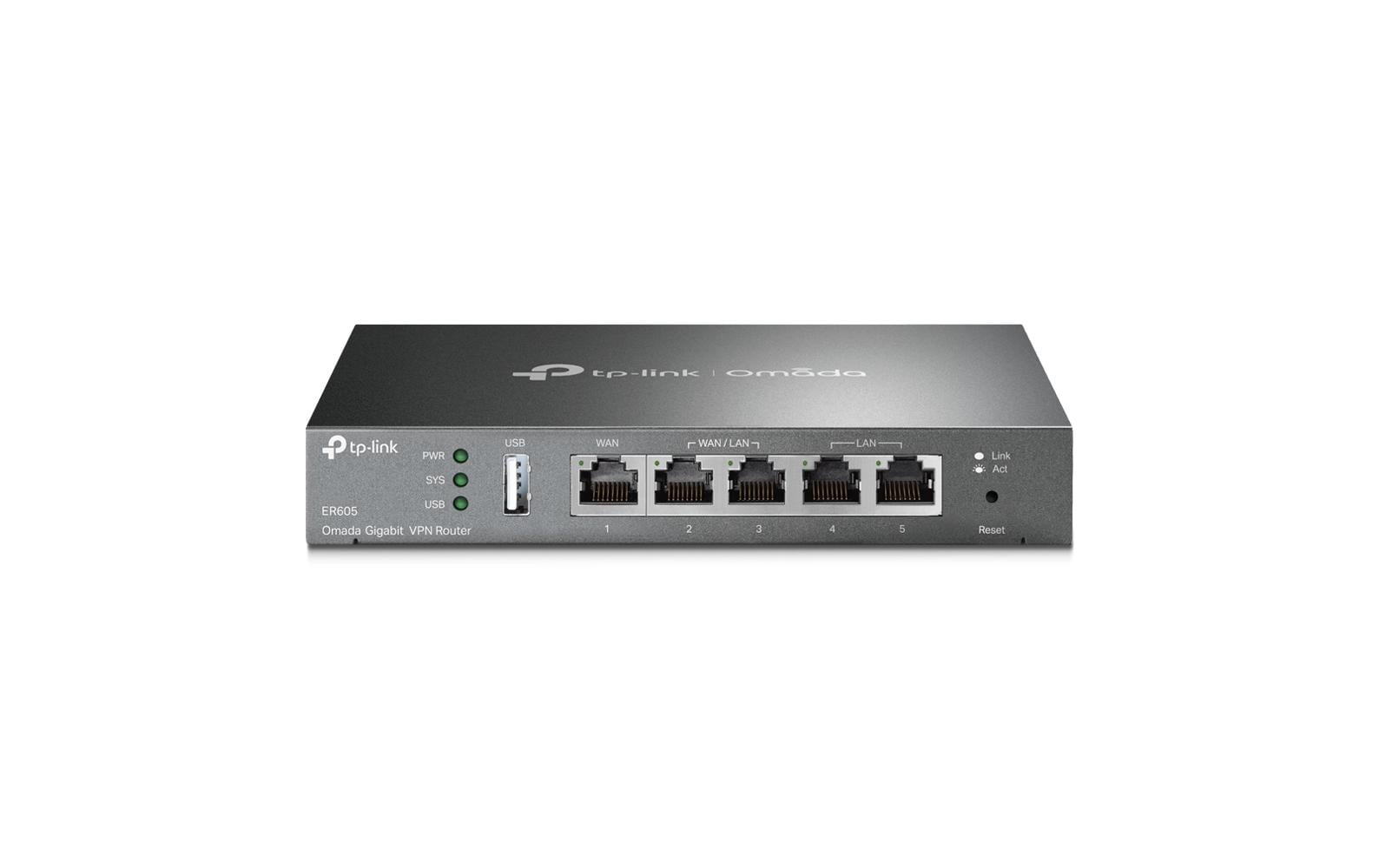
TP-Link ER605 V2: VPN Router, 20x IP-Sec VPN 5 Ports WAN/LAN, Load balance, VLAN, Firewall
Art.-Nr. 1227602 · Herst.-Nr. ER605 · EAN 1210002611206
52.55 CHF 53.46 CHF Inkl. MwSt.
inkl. 8.1 % MwSt. (CHF 3.94) · Versand CHF 8.90, gratis ab CHF 500 exkl. MwSt.
Verfügbar, Lieferung in 1 bis 3 Werktagen
- Versand CHF 8.90, gratis ab CHF 500 exkl. MwSt.
- 60 Monate Garantie
- 7 Tage Rückgabe
Zahlungsarten: TwintVisaMastercardPostFinancePayPalVorauszahlung
📈 Preisentwicklung▼ 1.3% günstiger als vor 30 TagenDetails ▾
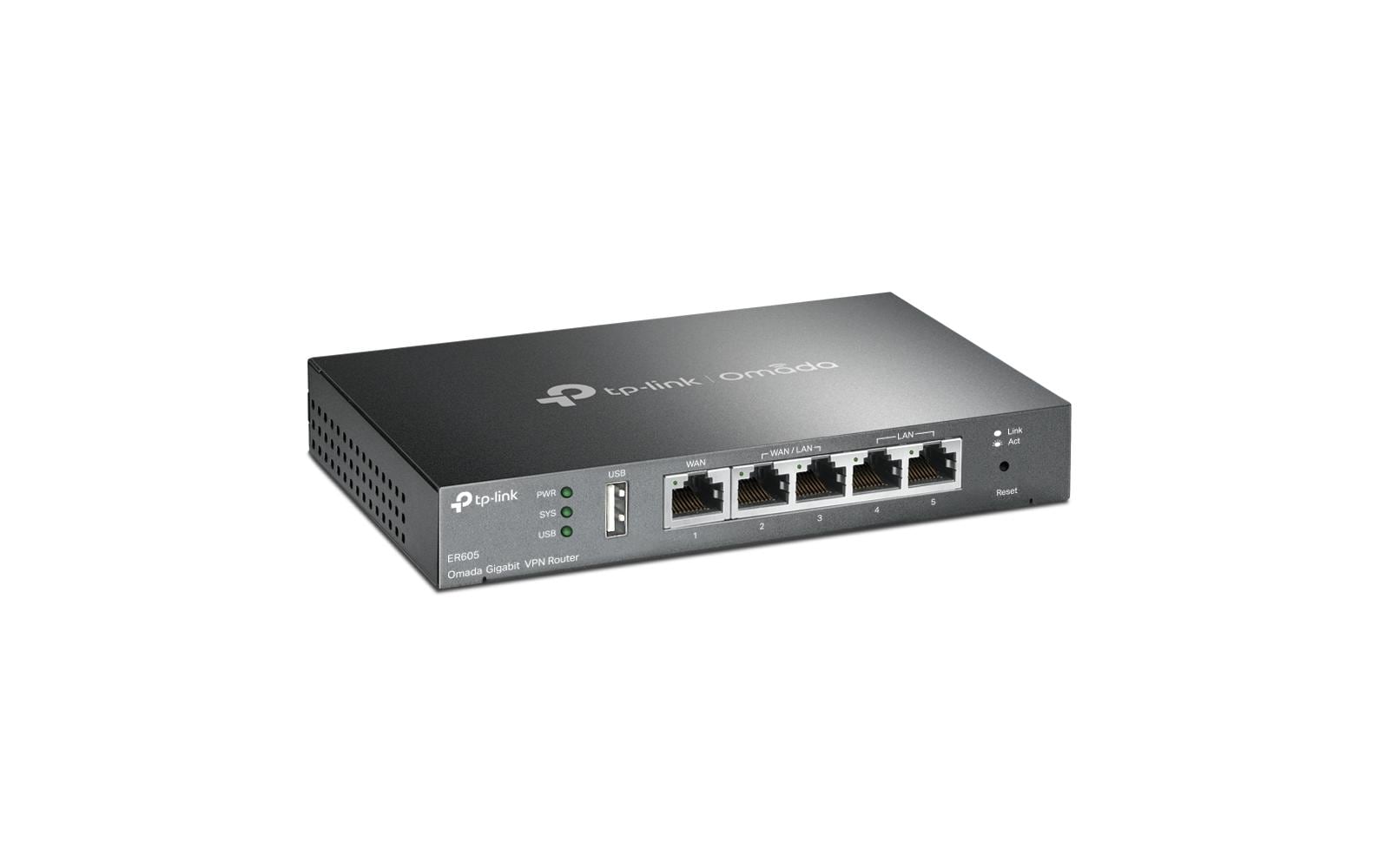
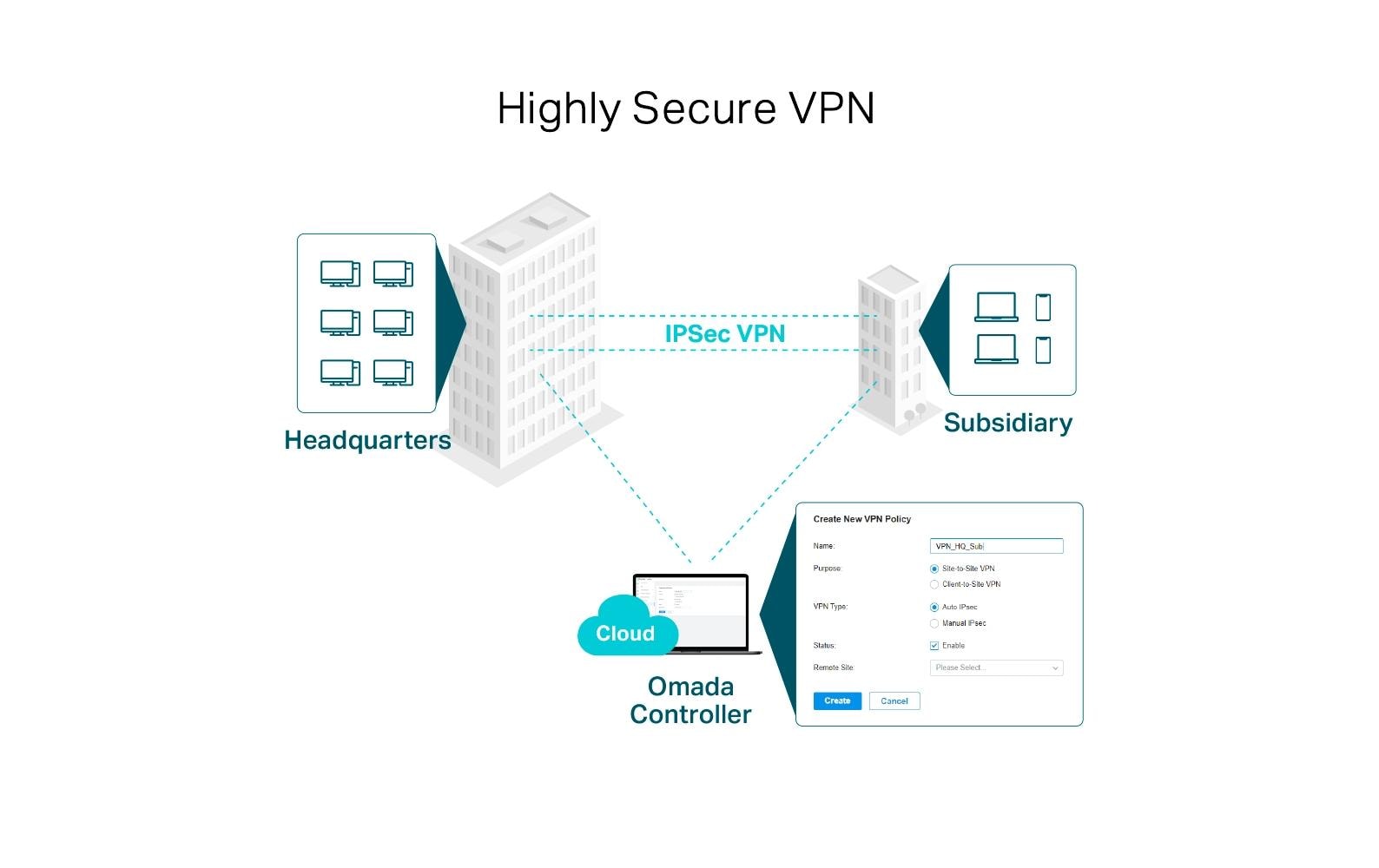
Welcome to the future of networking with the TP-Link ER605 V2, a state-of-the-art VPN router designed specifically for small and medium businesses. This remarkable device offers 20x IP-Sec VPN connections and five Gigabit ports, making it an ideal solution for securing your business’s digital assets and ensuring seamless connectivity.
Key Features Explained
- 20x IP-Sec VPN Connections: This feature allows businesses to securely connect multiple remote locations, providing a reliable and secure network for your team. With up to 20 simultaneous connections, you can easily expand your business without compromising on security.
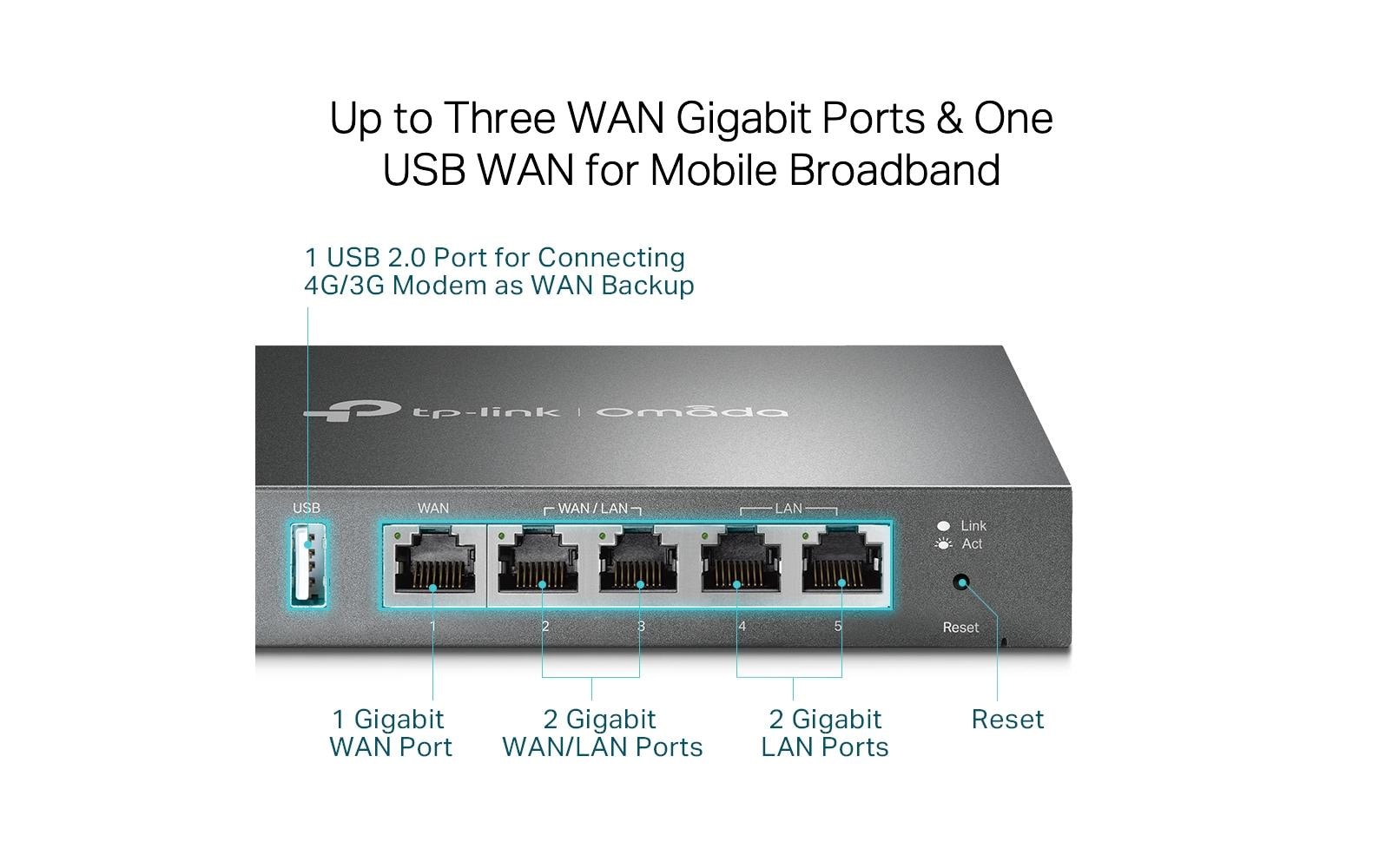
- 5 Gigabit Ports: The ER605 V2 offers five high-speed Gigabit ports that support 10/100/1000 Mbit/s connections, ensuring optimal performance for your critical business applications.
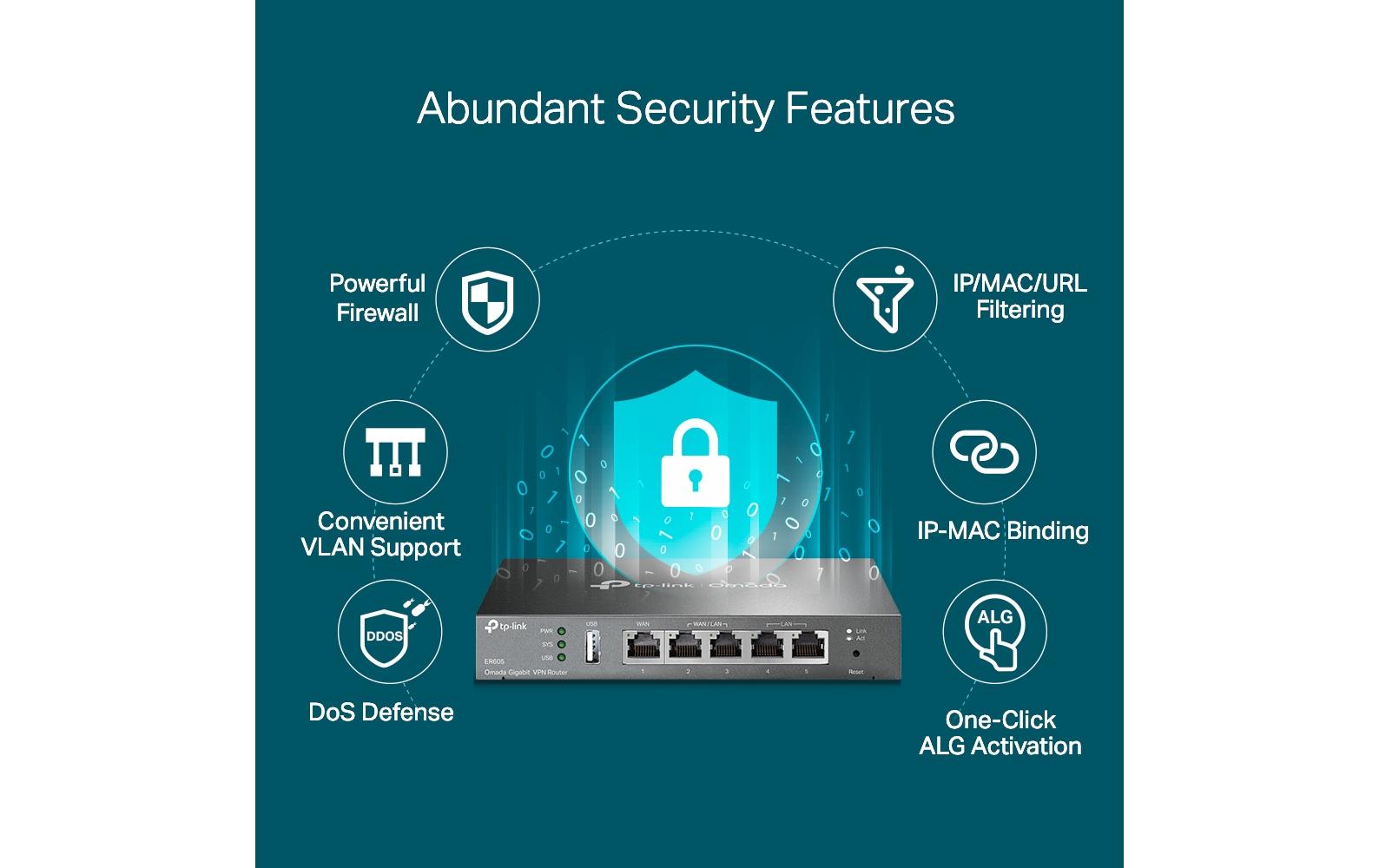
- Load Balance: This feature allows the router to distribute network traffic across multiple WAN connections, improving overall performance and reducing downtime in case of connection failures.
- VLAN: Virtual Local Area Network (VLAN) is a powerful tool that enables segmentation of your network, enhancing security and management efficiency. With the ER605 V2, you can easily create and manage multiple virtual networks within your business.
- Firewall: The built-in firewall offers advanced protection against unauthorized access, ensuring your valuable data remains secure at all times.
Real-World Applications & Use Cases
The TP-Link ER605 V2 is an ideal solution for a variety of business scenarios. Whether you’re running a small office, managing a remote team, or organizing large-scale events, this router offers the perfect blend of security, performance, and scalability.
- Small/Medium Business: The ER605 V2 is an excellent choice for businesses seeking to secure their network while maintaining high-speed connectivity. Its advanced features make it easy to manage multiple remote locations and ensure optimal performance for critical applications.
- Remote Teams: With the ER605 V2’s 20x IP-Sec VPN connections, you can securely extend your network to remote workers, ensuring they have access to the resources they need to stay productive.
- Large-Scale Events: This router is perfect for event organizers who require a reliable and scalable network solution. Its load balancing feature ensures that even during peak usage periods, your network remains fast and responsive.
Target Audience & Their Benefits
The TP-Link ER605 V2 is an ideal choice for a wide range of professionals, including AV Technicians, Integrators, IT Managers, and Event Organizers. By choosing the ER605 V2, you’ll benefit from enhanced network security, improved performance, and the ability to easily manage multiple remote locations.
Technical Highlights
- Powerful VPN Capabilities: With 20x IP-Sec VPN connections, the ER605 V2 offers unparalleled security for your business’s digital assets.
- High-Speed Connectivity: The five Gigabit ports ensure that your critical applications always have access to lightning-fast speeds, improving productivity and user satisfaction.
- Load Balancing & VLAN: These features offer enhanced network management capabilities, enabling you to optimize performance and improve security across your entire business.
| Allgemeine Daten | |
|---|---|
| Produkt | TP-Link ER605 V2: VPN Router |
| Hersteller | TP-Link |
| Technische Spezifikationen | |
| Eigenschaft | Wert |
| Herstellernummer | ER605 |
| Kategorie | Netzwerk, Netzwerk & Server |
| EAN | 1210002611206 |
| Anschlüsse & Schnittstellen | |
| RJ-45 Anschlüsse | 5 |
| RJ-45 Geschwindigkeit | 10/100/1000 Mbit/s |
| Anzahl PoE Ports | 0 |
| PoE In/Out | Nicht vorhanden |
| PoE Budget | 0 W |
| Leistungsdaten | |
| VPN Anwendungsbereich | Small/Medium Business |
| Hersteller | TP-Link |
|---|---|
| Herstellernummer | ER605 |
| EAN | 6935364089597 |
| Gewicht | 0.68 kg |
| Garantie | 60 Monate |
Wann ist die Ware bei mir?
Kann ich auf Rechnung bestellen?
Welche Garantie gilt?
Sind die Preise inklusive MwSt.?
1. Zielgruppen und Einsatzgebiete
- Dieser VPN-Router ist für kleine und mittlere Unternehmen ideal, die einen sicheren und hochleistungsfähigen Netzwerkzugang benötigen.
- Beispiele: Geschäfte mit mehreren Standorten, Telekommunikationsunternehmen oder IT-Dienstleister.
2. Installation und Setup
- Schritt 1: Verbinde das Gerät mit dem Netzwerk und stelle es bereit, indem Sie die Ethernet-Kabel an die entsprechenden Ports anschließen.
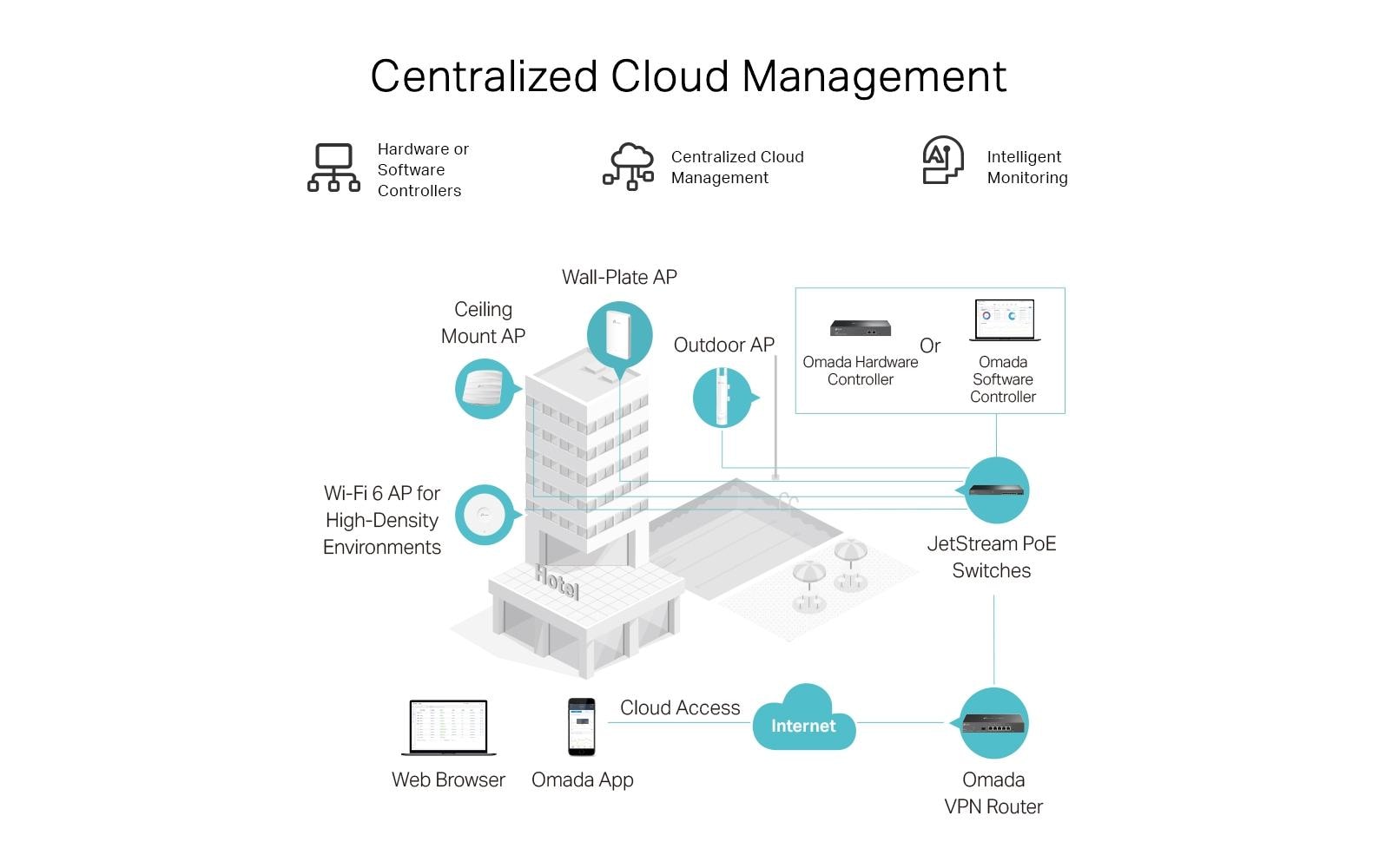
- Schritt 2: Konfigurieren Sie den Router über das Web-Benutzeroberflächen (Web-GUI) oder mit dem TP-Link Omada App.
- Schritt 3: Stellen Sie die VPN-Verbindungen ein, indem Sie die gewünschten Einstellungen in der Verwaltungssoftware konfigurieren.
3. Best Practices und Anwendungstipps
- Stellen Sie regelmäßig Updates für das Gerät und die verwendeten Software-Produkte an, um sicherzustellen, dass sie auf dem neuesten Stand sind.
- Verwenden Sie VLANs (Virtual Local Area Networks) zur Isolierung von Netzwerksegmenten und verbesserten Sicherheit.
- Konfigurieren Sie die Load Balance, um den Verkehr auf mehreren Verbindungen aufzuteilen, um eine höhere Gesamtleistung zu erzielen.
4. Kompatibilität und Integration
- Das Gerät ist mit anderen TP-Link Produkten wie dem Omada Controller kompatibel.
- Es unterstützt VPN-Standards wie IPsec und SSL/TLS.
5. Zubehör-Empfehlungen
- TP-Link Omada Controller: Verbindet mehrere Geräte in einem Netzwerk.
- TP-Link PoE-Switches: Erweitern Sie die Anzahl an Ethernet-Ports und ermöglichen Sie Power over Ethernet (PoE).
6. Häufige Probleme und Lösungen
- Problem: Verbindungsfehler bei der VPN-Verbindung
Lösung: Prüfen Sie die Einstellungen für die VPN-Konfiguration und stellen sicher, dass sie korrekt sind. Überprüfen Sie auch das Internetzugang und den Netzwerkstatus. - Problem: Verlangsamte Leistung des Geräts
Lösung: Überprüfen Sie die Anzahl aktiver VPN-Verbindungen, reduzieren Sie die Anzahl, falls notwendig. Stellen Sie auch sicher, dass die Software auf dem neuesten Stand ist.
- Falsch bestellt?Melden Sie sich innert 7 Tagen nach Erhalt, und wir tauschen den Artikel um oder schreiben Ihnen den Betrag gut. Voraussetzung: unbenutzt und vollständig originalverpackt. Die Rücksendung geht zu Ihren Kosten. Rückgabe-Richtlinien
Passendes Zubehör
PureLink
PureLink, Patchkabel Cat 6A, S/FTP, 1.5 m, Cat.6a Kabel, HDBaseT zert., schwarz, 1.5m
Cat 6A, 1.5 m
Sofort lieferbar
5.90 CHF8.74 CHFInkl. MwSt.In den Warenkorb
PureLink
PureLink, Patchkabel Cat 6A, S/FTP, 2 m, Sc Cat.6a Kabel, HDBaseT zert., schwarz, 2.0m
Cat 6A, 2 m
Sofort lieferbar
6.42 CHF10.19 CHFInkl. MwSt.In den Warenkorb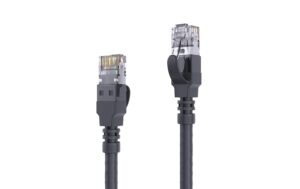
PureLink
PureLink, Patchkabel Cat 6A, S/FTP, 3 m, Sc Cat.6a Kabel, HDBaseT zert., schwarz, 3.0m
Cat 6A, 3 m
Sofort lieferbar
7.03 CHF11.82 CHFInkl. MwSt.In den Warenkorb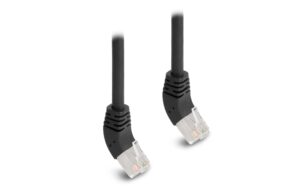
Delock
Delock Netzwerkkabel RJ45 Cat.6A S/FTP nach oben gewinkelt, 1m, schwarz
Cat 6A, 1 m
Sofort lieferbar
7.62 CHF8.04 CHFInkl. MwSt.In den Warenkorb